
Weather & Clock Widget for Android6.4.2.0 - AppGallery
You'll be able to see results in few seconds.
Publisher Description

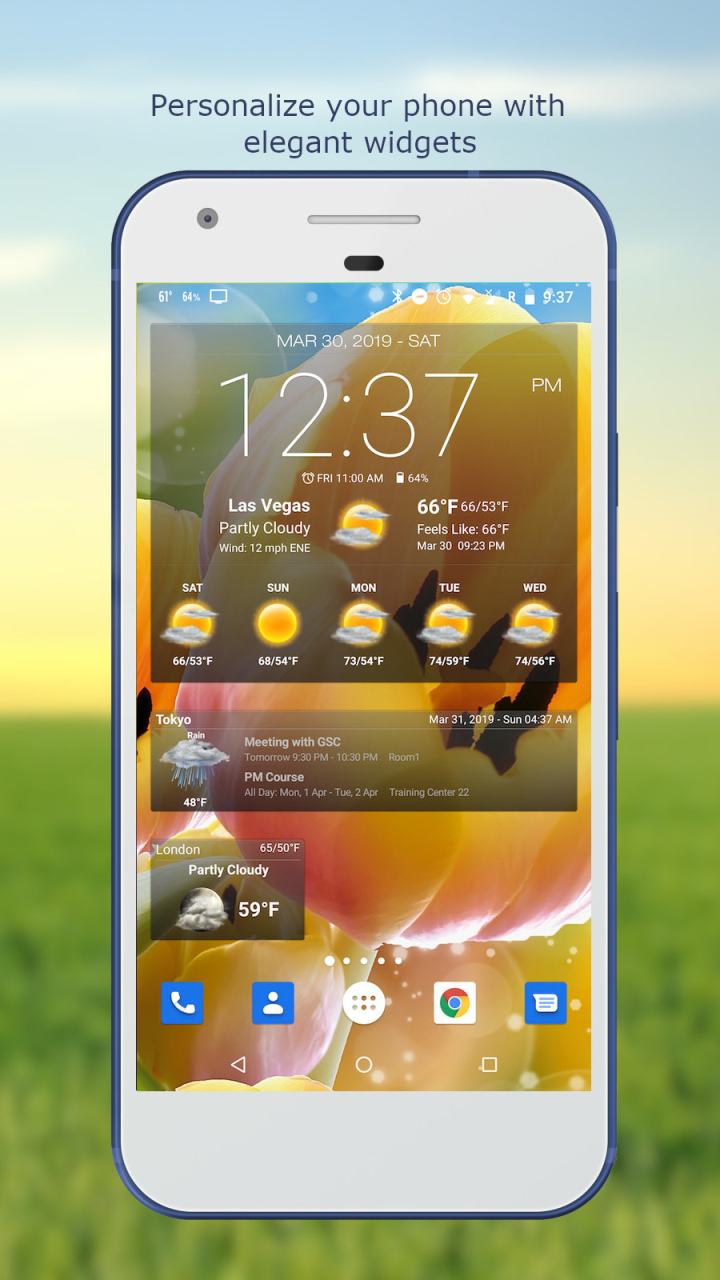
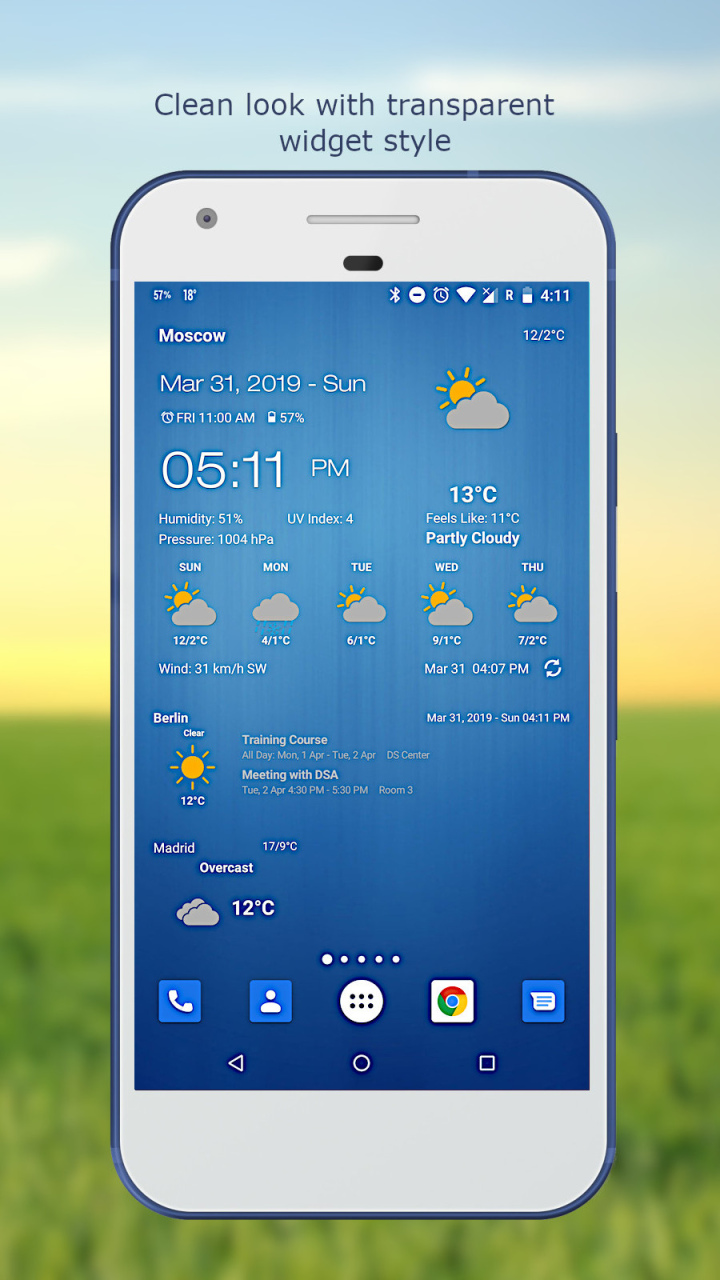


Stay updated with the latest weather observations and the most accurate future weather forecast.
Personalize your phone/tablet with the most elegant and customizable widgets, showing current weather, hourly/daily forecast, moon phase, time and date, your calendar events, next alarm, battery level.
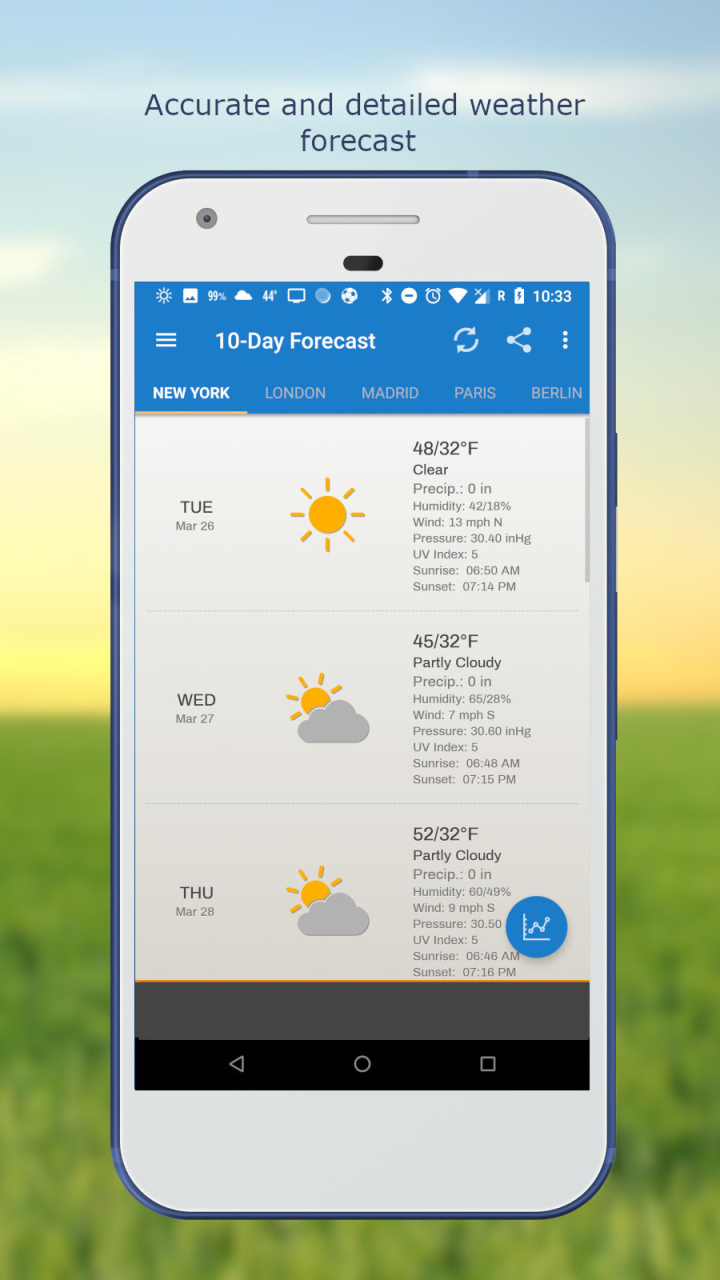
Make decisions for your day with the most accurate hourly, 5-day, and 10-day forecasts displayed with elegant tools including graph charts.
Features:
- Automatic location detection
- Locate by network and GPS (Global Positioning System).
- Manually search for location by name or zip code.
- Weather notification alerts.
- Multiple weather providers.
- Current weather condition.
- Hourly weather forecast.
- 10-day weather forecast.
- Temperature.
- Celsius and Fahrenheit temperature unit.
- Relative humidity percentage.
- Atmospheric pressure.
- Visibility distance.
- Precipitation.
- UV-Index.
- Dew point.
- Wind speed and direction with different units.
- Sunrise and Sunset times.
- Display temperature in status bar (Notification bar).
- Share weather and location information with friends.
- Elegant home screen widgets.
- Next alarm and current battery level display.
- Customize font for clock and date.
- Moon phase.
- Update on WiFi only and stop while roaming.
- Automatic update intervals: 15, 30 min, 1, 3, 6, 9, 12 hours or Manual update.
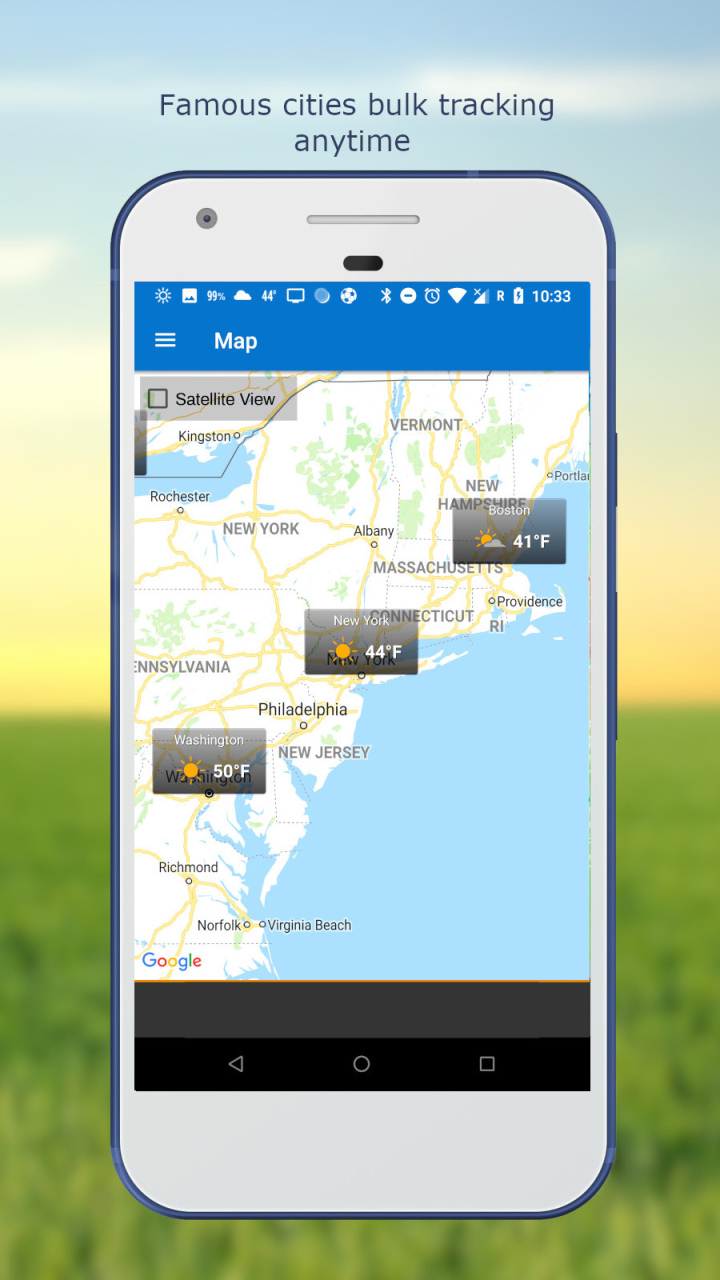
- Follow weather and forecast for multiple locations.
- Weather map.
- Android Wear support.
- Themes.
- Chart graphs.
About Weather & Clock Widget for Android
The company that develops Weather & Clock Widget for Android is شركة انتر اكتيف العربية السعودية المحدودة (شركة شخص واحد). The latest version released by its developer is 6.4.2.0.
To install Weather & Clock Widget for Android on your Huawei device, just click the green Continue To App button above to start the installation process. The app is listed on our website since 2022-03-28 and was downloaded 0 times. We have already checked if the download link is safe, however for your own protection we recommend that you scan the downloaded app with your antivirus. Your antivirus may detect the Weather & Clock Widget for Android as malware as malware if the download link to C103273303 is broken.
How to install Weather & Clock Widget for Android on your Huawei device:
- Click on the Continue To App button on our website. This will redirect you to Huawei Store.
- Once the Weather & Clock Widget for Android is shown in the Huawei Store listing of your Huawei device, you can start its download and installation. Tap on the Install button located below the search bar and to the right of the app icon.
- A pop-up window with the permissions required by Weather & Clock Widget for Android will be shown. Click on Accept to continue the process.
- Weather & Clock Widget for Android will be downloaded onto your device, displaying a progress. Once the download completes, the installation will start and you'll get a notification after the installation is finished.
Program Details
General
System requirements
Download information
Pricing
Version History
version 6.4.2.0
posted on 2022-03-28
Disclaimer
Official AppGallery Link
We do not host Weather & Clock Widget for Android on our servers. We did not scan it for viruses, adware, spyware or other type of malware. This app is hosted by Huawei and passed their terms and conditions to be listed there. We recommend caution when installing it.
The AppGallery link for Weather & Clock Widget for Android is provided to you by apps112.com without any warranties, representations or guarantees of any kind, so access it at your own risk.
If you have questions regarding this particular app contact the publisher directly. For questions about the functionalities of apps112.com contact us.
